ClassRoom Zoom Link
Tuesdays 4pm
First Meeting 8/22/23
https://csulb.zoom.us/j/82261412319
Class Weekly Attendance sign in
https://docs.google.com/document/d/1XzIxiThzLYwPLIfQgSr5ydu1tkKBuErMxTU4fpe8yck/edit?usp=sharing
Online Portfolio - ART 305
On these pages, you will find samples of the various projects and assignments that you will be completing during the semester. In addition, there are links that you'll find useful for some of the online resources that we will be using during the course. Finally, there will be links here to the portfolio of each student in the class, which will make it easier to view and submit projects and assignments.
SYLLABUS
Digital Skills Every 21st Century Teacher Should Have
https://www.fractuslearning.com/technology-skills-for-teachers/
https://www.fractuslearning.com/technology-skills-for-teachers/
FALL 2023 Class sites

First Assignment: Make a website!

Go to http://www.weebly.com
and create an account - it's free.
Create a new website.
Add the following things to your website:
and create an account - it's free.
Create a new website.
Add the following things to your website:
- a picture of yourself and a short bio - just a couple of sentences
- a page with your philosophy of education (or an explanation of why you would want to teach others about art)
- 5-10 photographs of your artwork and a short artist statement
- a blog site for article discussions
- a project page where you will put your finished projects
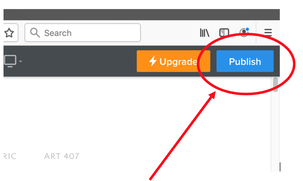
Be sure to click on "publish" at the top of the page (blue button) when you're done. Choose a good name, don't let the site choose for you!
Final step: go to the Dropbox and put the URL of your website in, so I can add it to the class site.
Discussion Activity: 2 stars, 1 wish
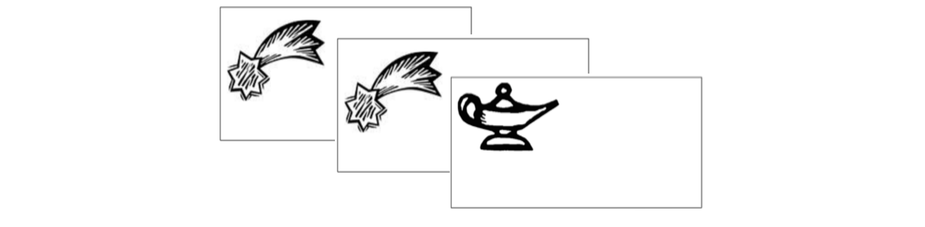

| 2stars1wish.pdf |
